How to change your cPanel password
This tutorial will show you how to change your cPanel password
Now let’s learn how to change our cPanel password
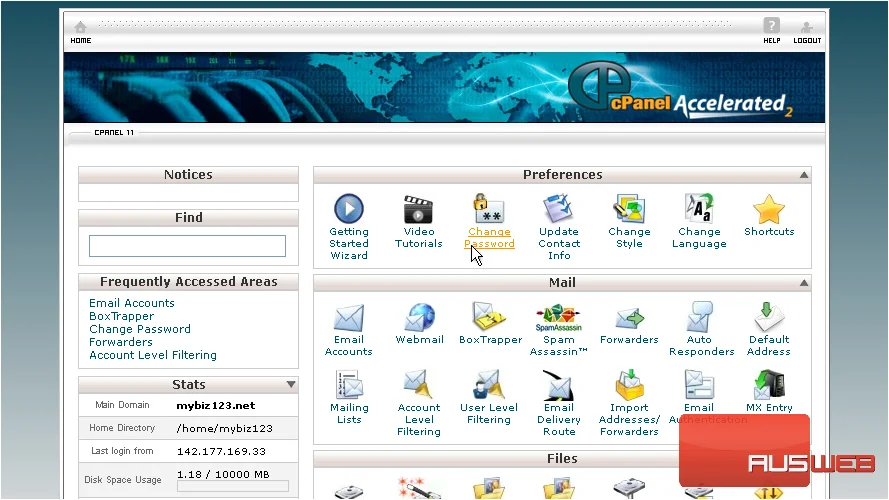
1) Click the Change Password icon
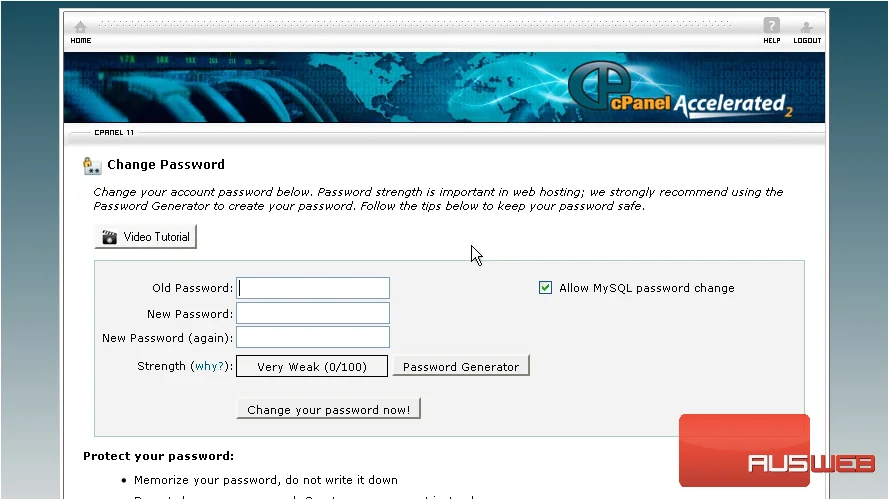
2) First enter your current (or old) password
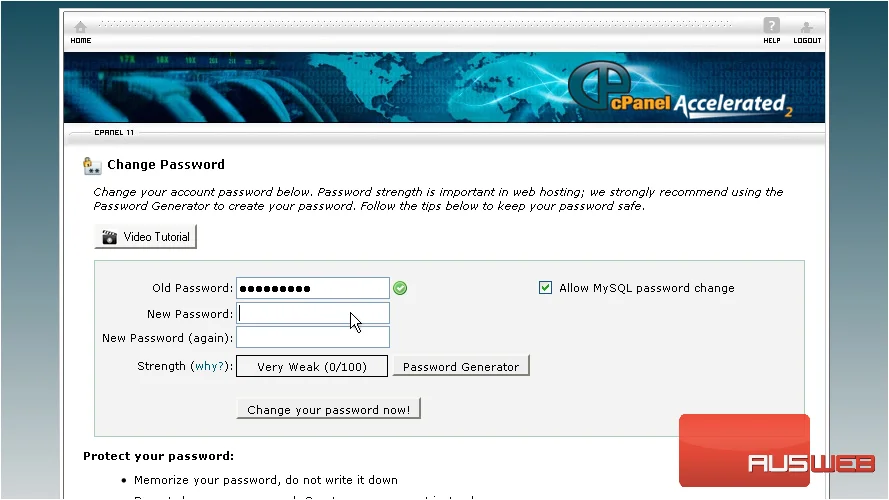
3) Then enter and confirm a new password.
4) Then click Change your Password Now
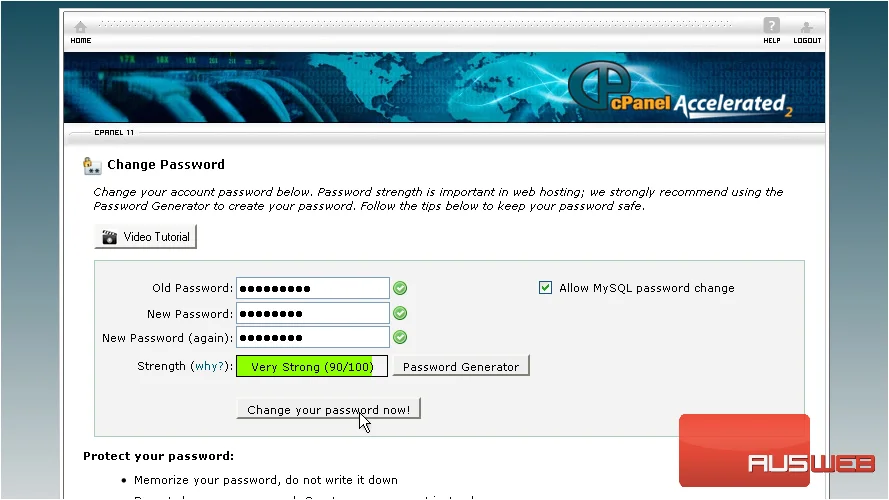
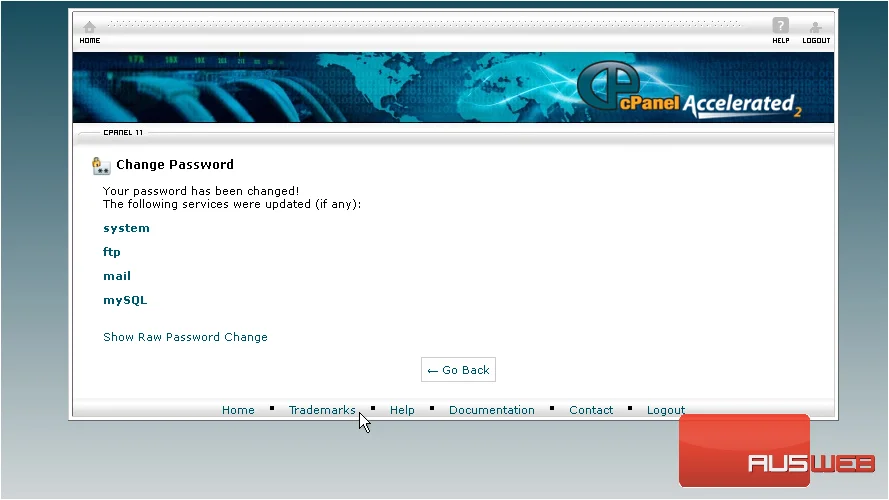
That’s it! Your cPanel password has been changed. You’ll now need to use this new password to login to cPanel, so be sure to keep it in a safe place.
This is the end of the tutorial. You now know how to change your cPanel password.