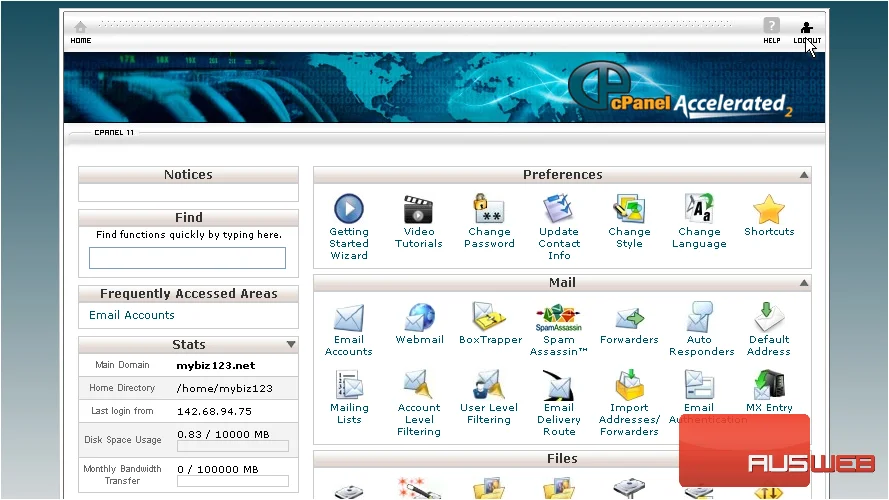
How to login to cPanel
This tutorial will show you how to login to cPanel
Now login to your cPanel account using the User Name and Password provided to you
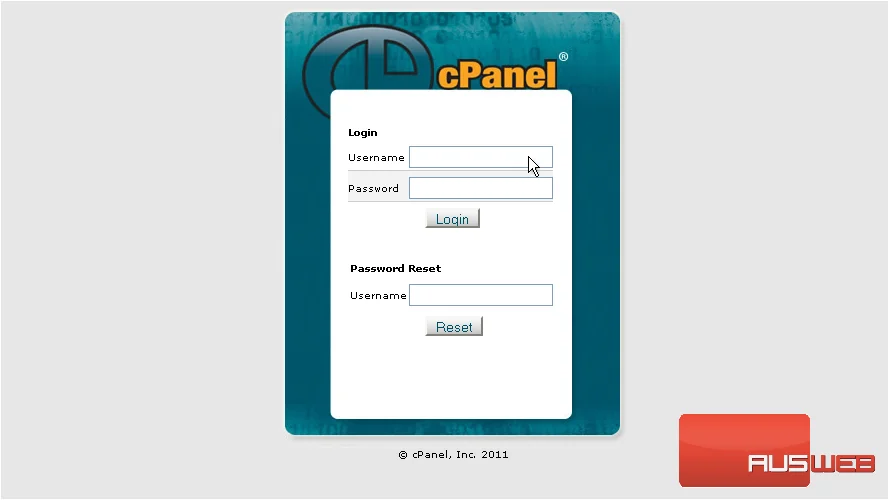
1) Enter your Username here…
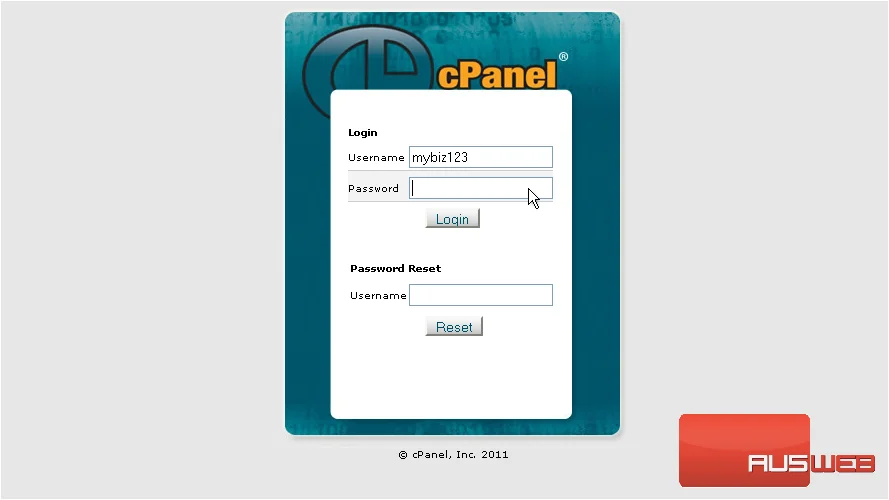
2) Then enter your Password here
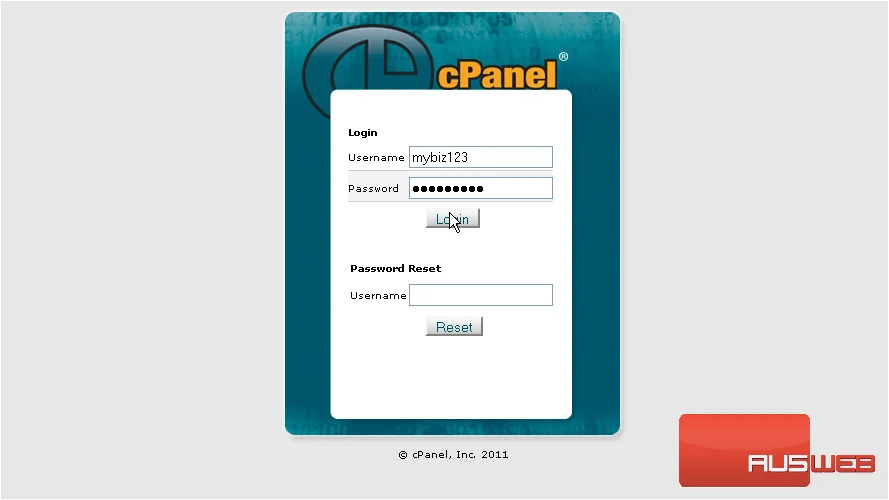
3) Then click Login
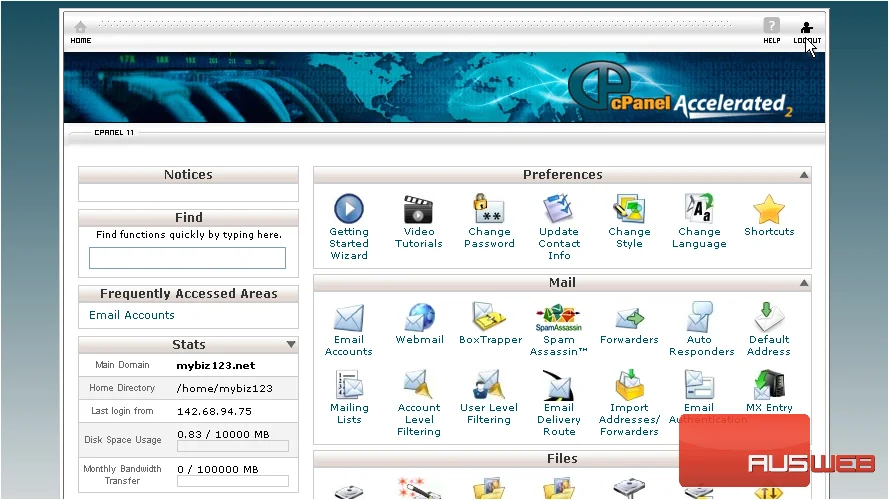
That’s it! You’re now logged in to cPanel, and can begin to setup email addresses, parked domains, databases, shopping carts, and dozens of other features!