View reports in Magento
This tutorial will show you how to view reports in Magento
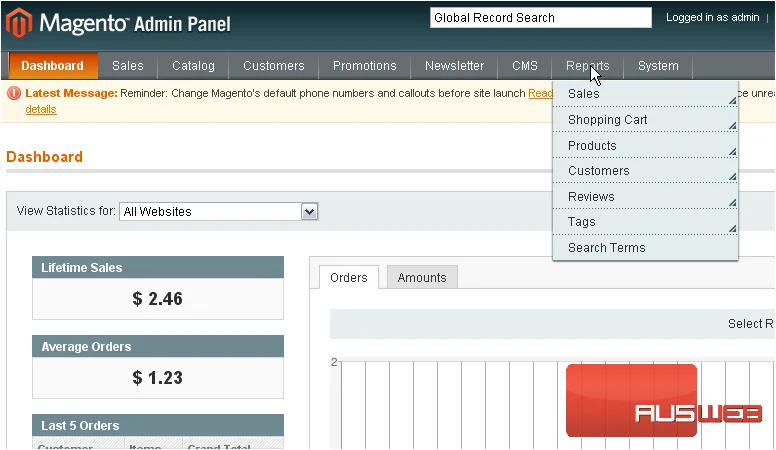
1) Go to Reports… then Sales
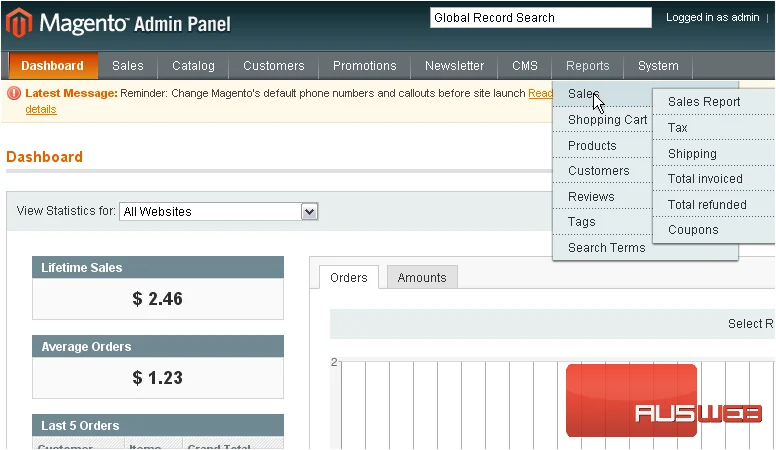
2) Click Sales Report
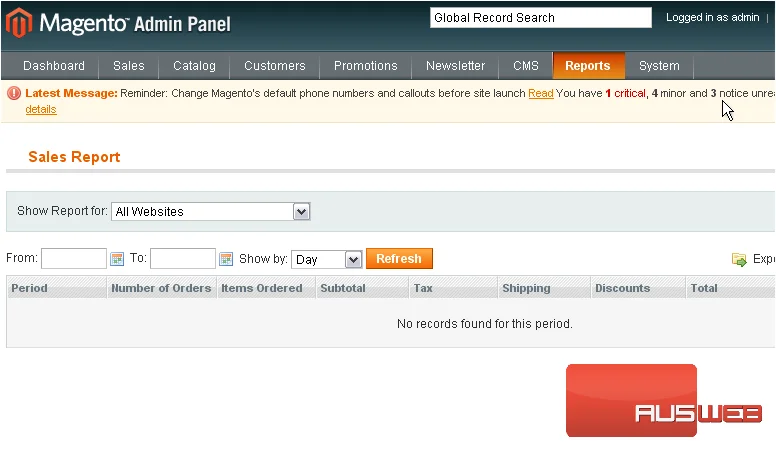
3) All sales reports will show up here
You can choose to view reports about sales, taxes, shipping, totals and coupons
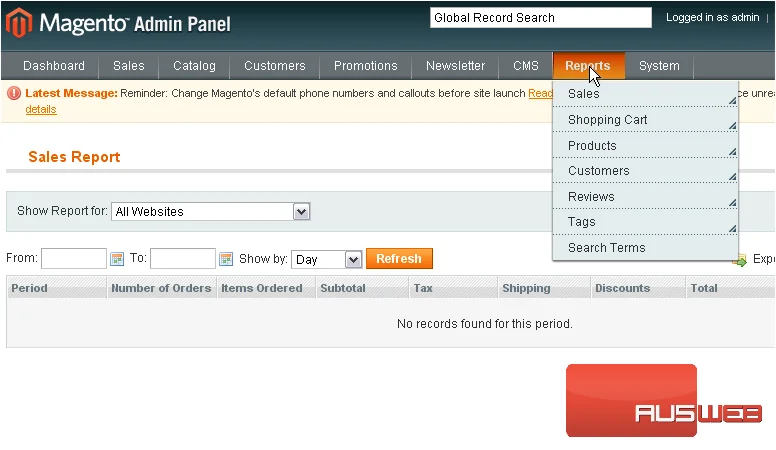
4) Go to Reports… then Shopping Cart
5) Click Abandoned Carts
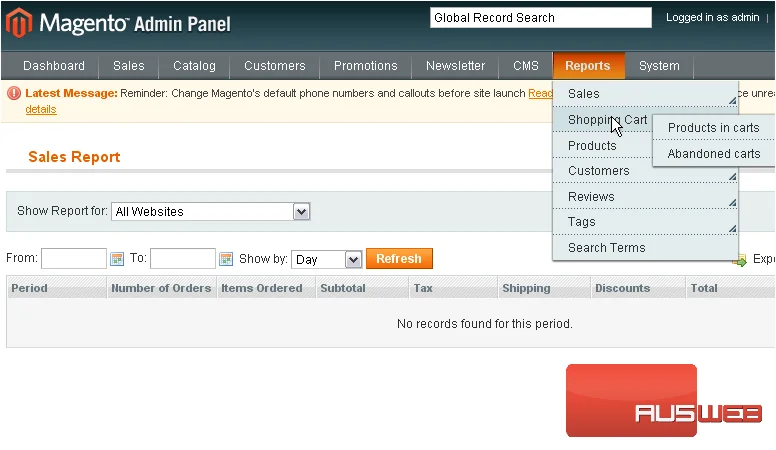
Here, you can view which products are in customers’ carts and abandoned carts
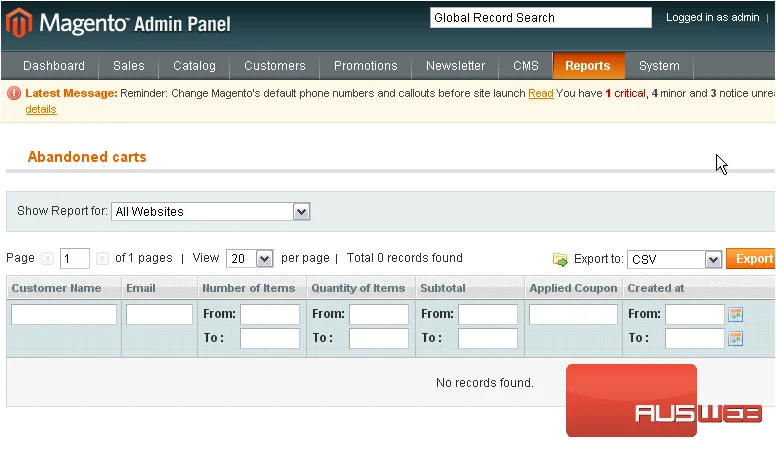
All products that are in a cart which has been abandoned will show up here
6) Go to Reports… then Products
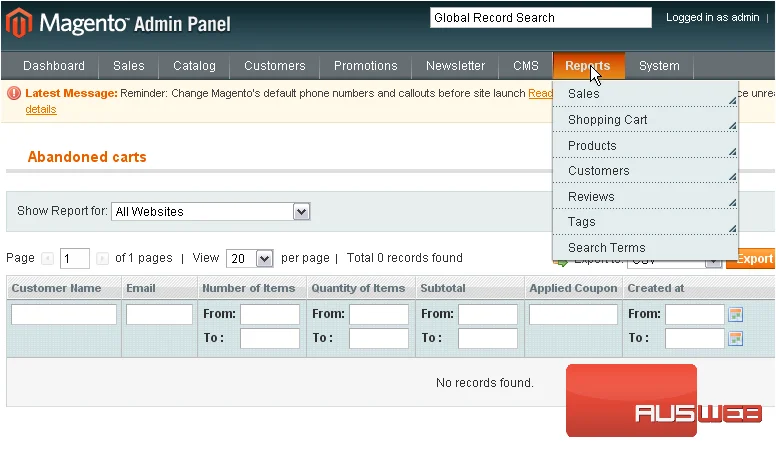
These reports will show products that are bestsellers, most viewed, and any low stock
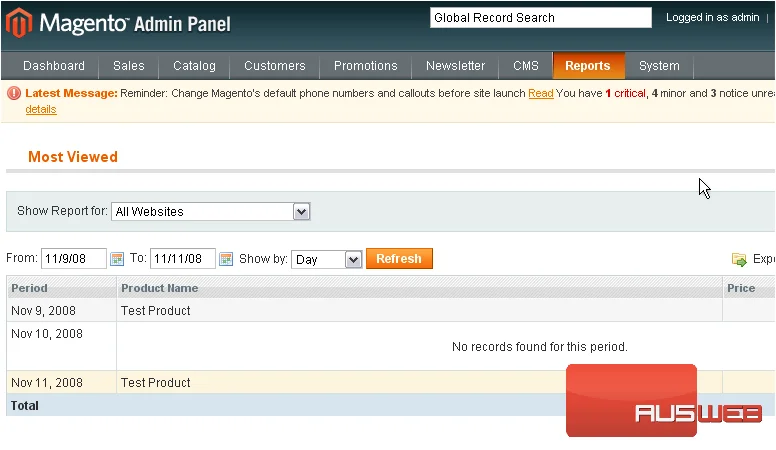
7) Go to Most Viewed
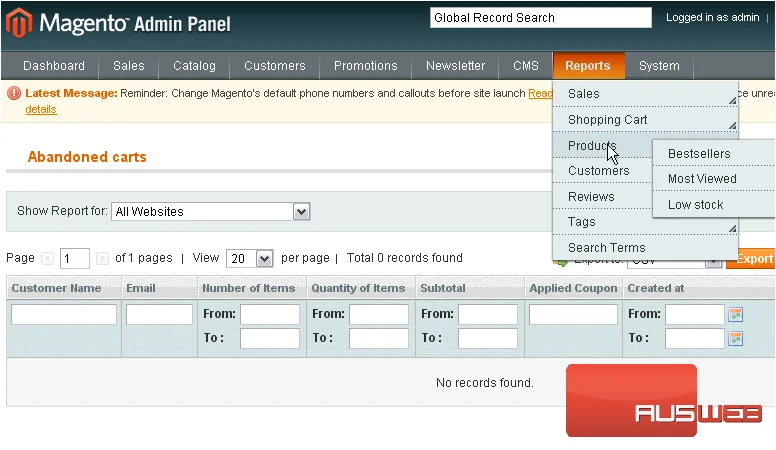
This list shows the most viewed products
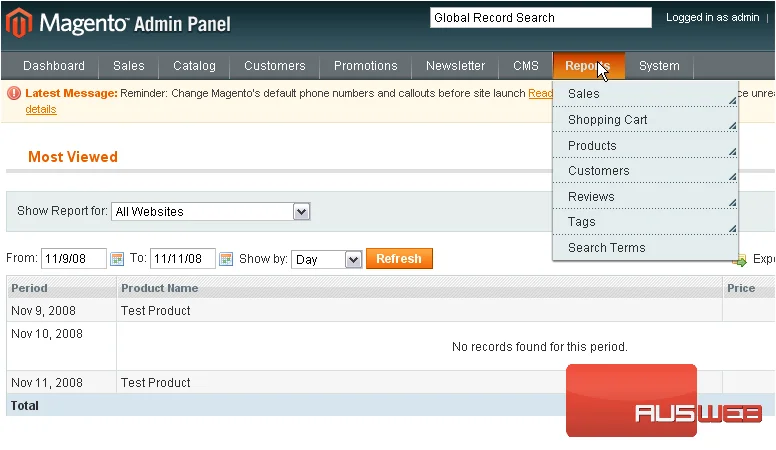
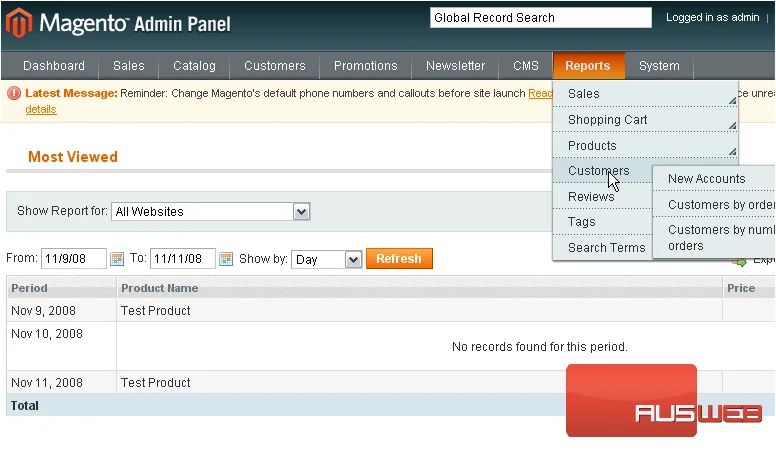
8) Go to Reports… then Customers…
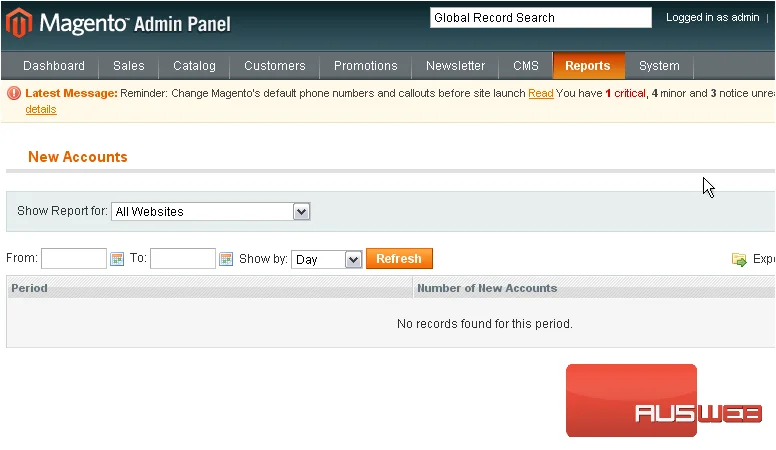
9) …and click New Accounts
Any customers who have registered recently will show up here
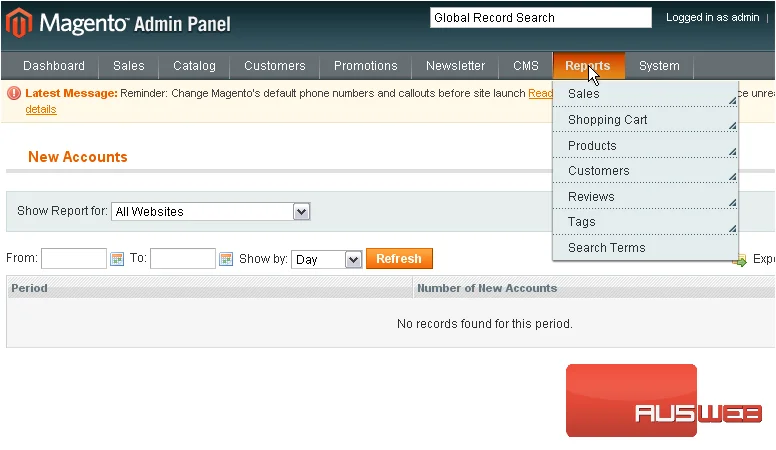
10) Go to Reports… then Reviews
11) Click Product Reviews
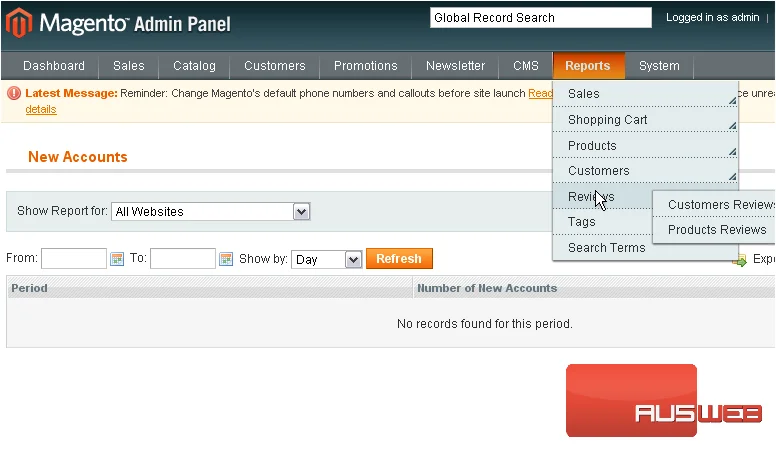
You can see which customers have written reviews and which products have been reviewed
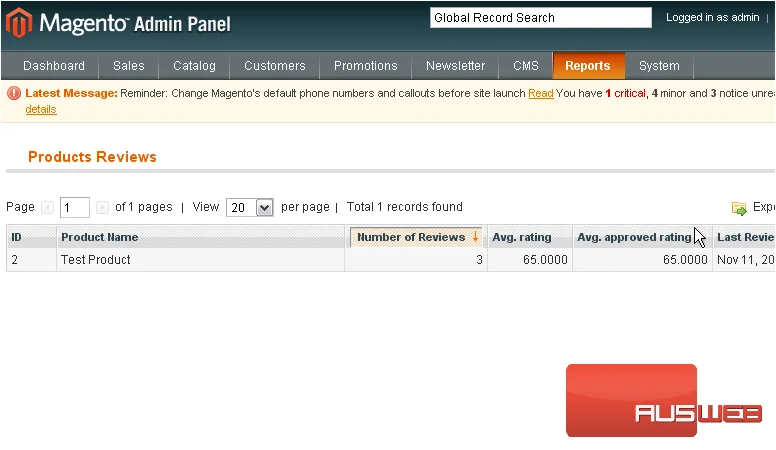
Information about all product reviews will show up below
12) Go to Reports… then Tags
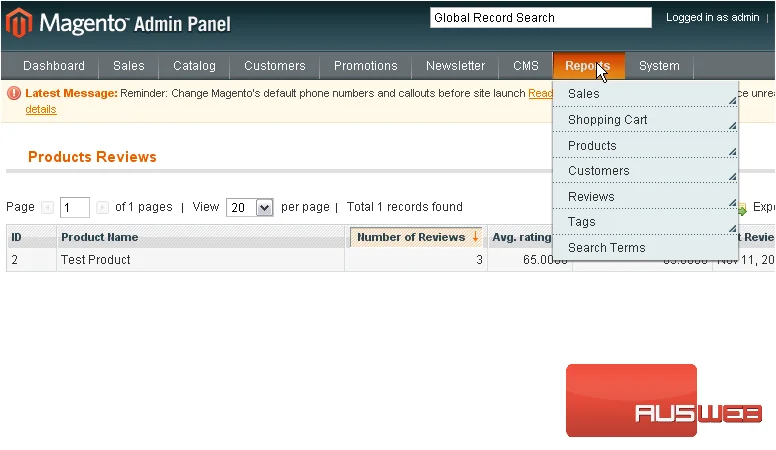
13) Select Popular
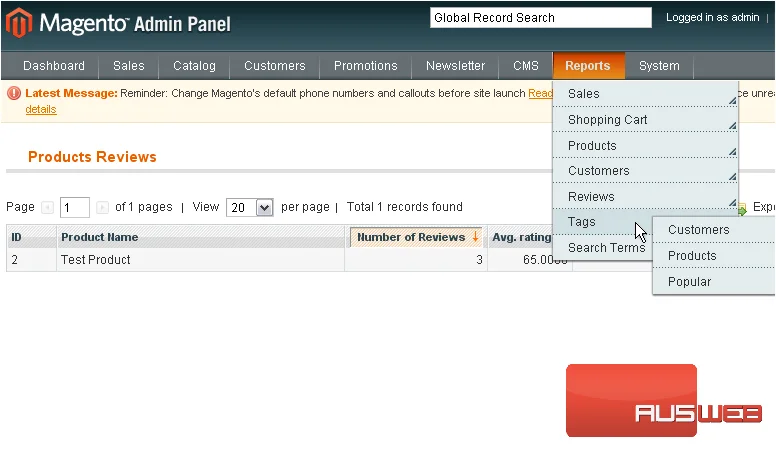
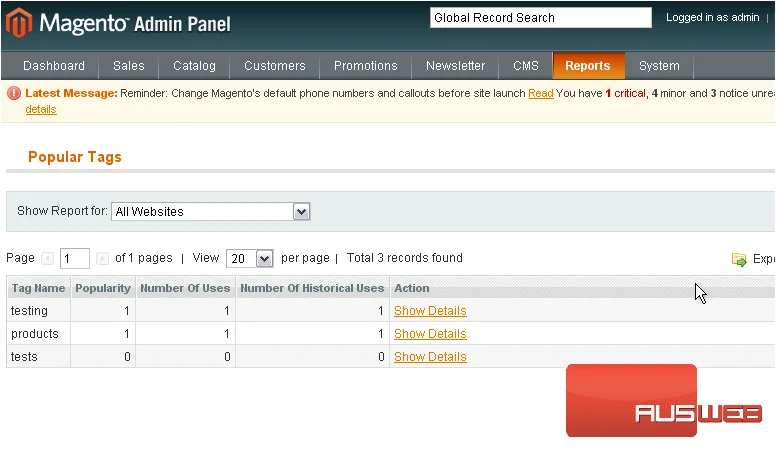
Here, you can see which product tags are popular
14) Go to Reports… and click Search Terms
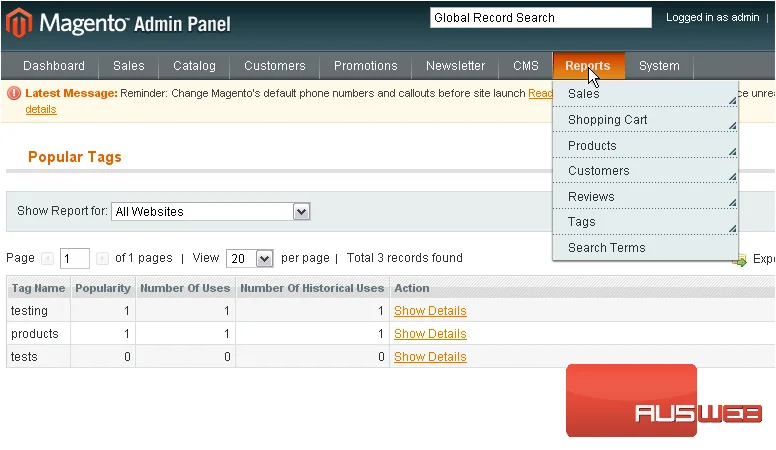
Information about the search terms customers have used will show up here
This is the end of the tutorial. You now know how to view reports in Magento Commerce